

Find the presentation ID in the admin portal so you can make API requests and automate uploads.
Get the presentation ID you need for API requests and automated uploads.
Use the Mobile Locker region where your presentation is stored:
- Global region:
app.mobilelocker.com - European region:
eu.mobilelocker.com
-
Open the presentations page in the correct admin portal region.
- Global region: https://app.mobilelocker.com/admin/presentations
- European region: https://eu.mobilelocker.com/admin/presentations
-
Open the presentation you want to work with.
-
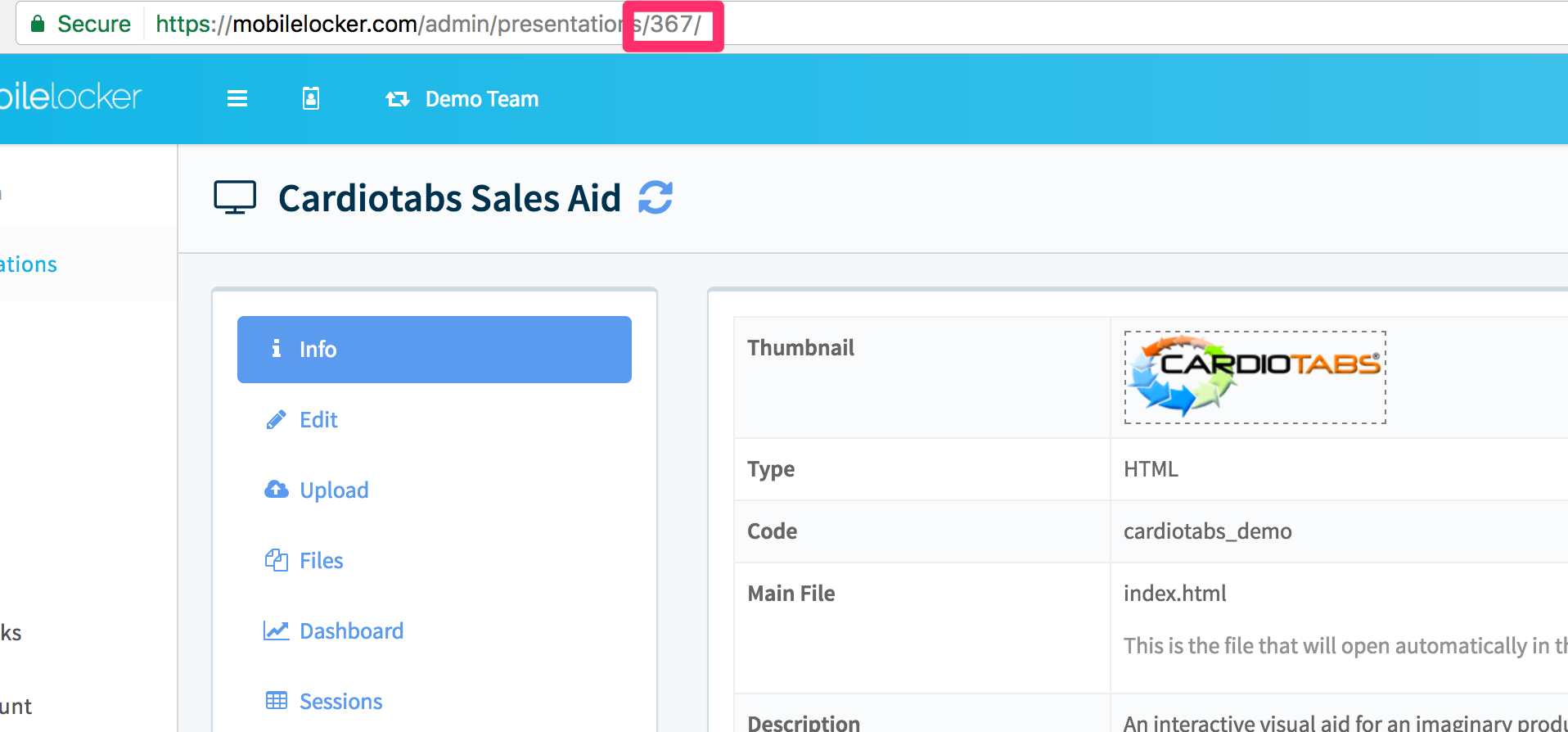
Copy the number in the URL. That number is the presentation ID.
What's next
- Upload a presentation programmatically if you want to automate your deployment workflow.