

Create an API token in the correct Mobile Locker region and make it available to your scripts and API requests.
Create an API token in the admin portal and make it available to your scripts and API requests.
Create a token
Use the Mobile Locker region where your account is stored:
- Global region:
app.mobilelocker.com - European region:
eu.mobilelocker.com
- Open My Account > API Tokens in the correct admin portal region:
- Global region: https://app.mobilelocker.com/admin/tokens
- European region: https://eu.mobilelocker.com/admin/tokens
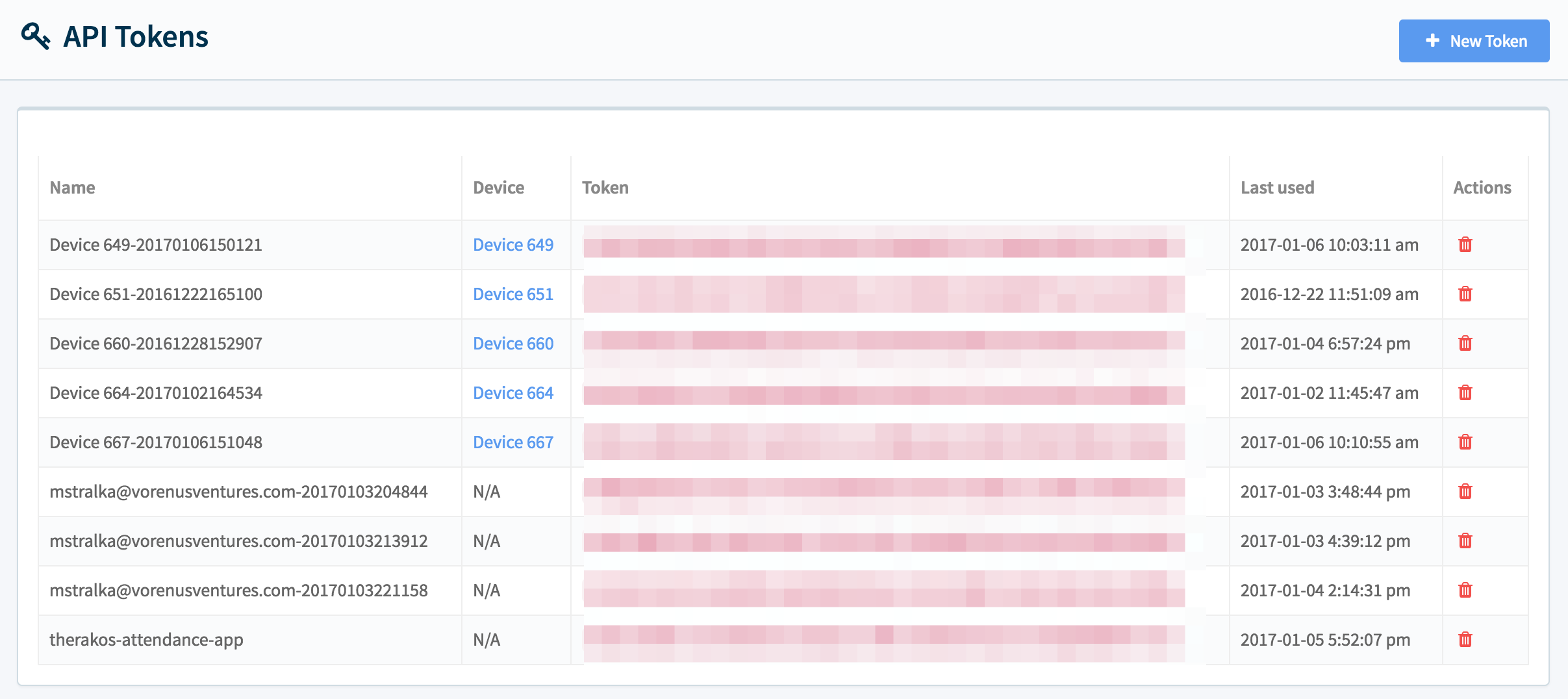
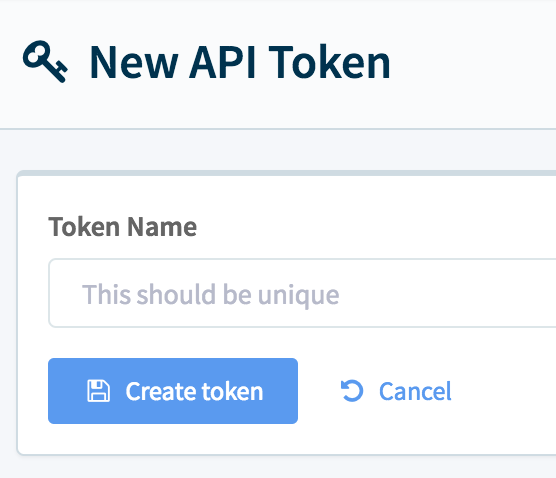
- Click New Token and enter a name for the token.
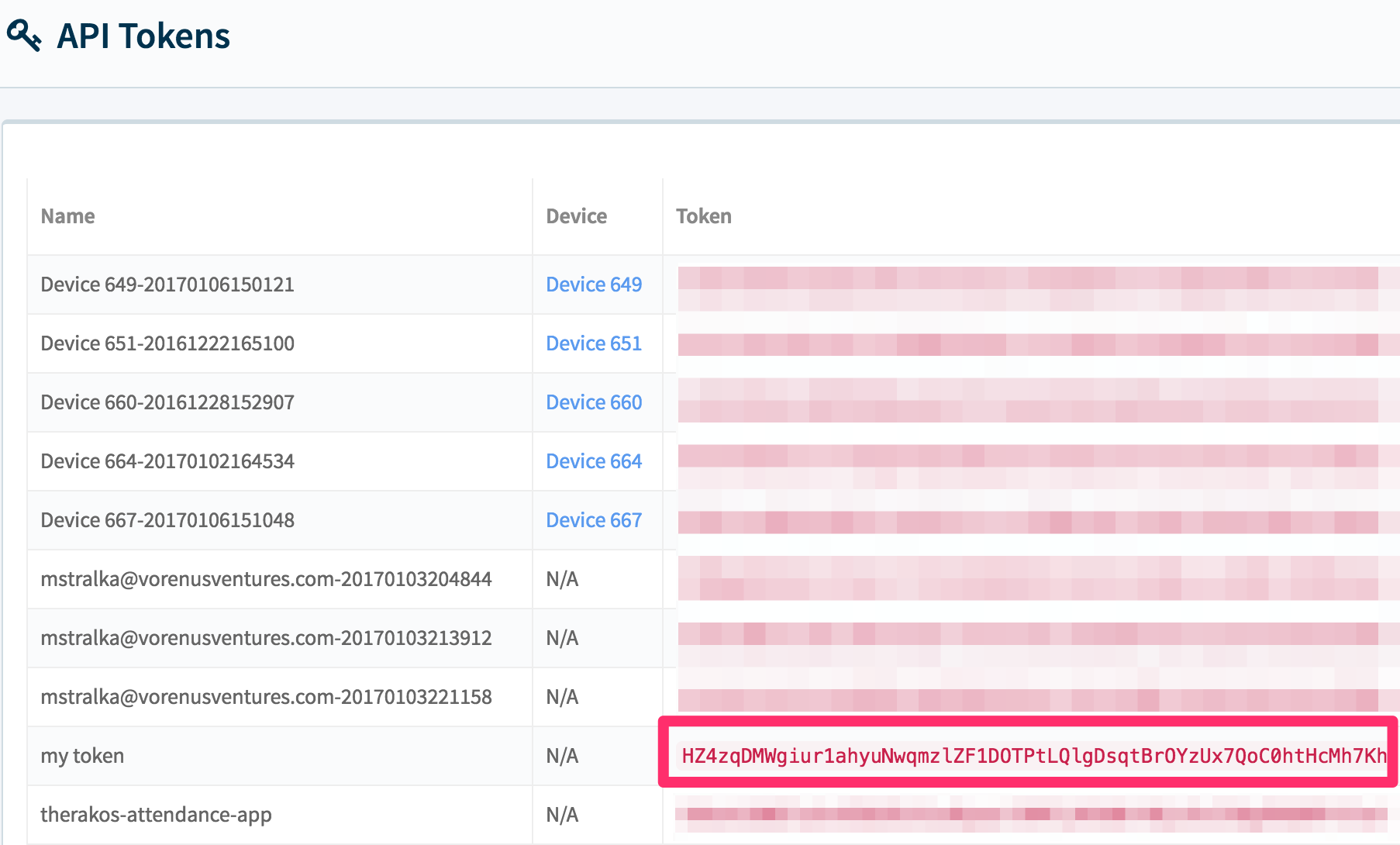
- Copy the token value.
What's next
Choose one way to make your token available to your scripts and tools.
- Set
ML_API_TOKENin your environment.
export ML_API_TOKEN="YOUR_TOKEN_HERE"- Optional: save the token in
$HOME/.mobilelockerand load it from your script.
ML_API_TOKEN=YOUR_TOKEN_HEREKeep your API token secret. Do not commit it to a Git repository or share it with other people.
- Get a presentation ID from the admin portal if you want to automate presentation uploads.
Requirements
Use HTTPS for all API requests. Requests over plain HTTP fail. Requests without authentication also fail.